
Testing the New Laravel AI SDK: Building 'Dettami' a voice-to-text app
A quick dive into the newly released Laravel AI SDK. See how I built 'Dettami', a simple voice-to-text app, in just a few lines of code.
The landscape of AI integration in PHP has just shifted. With the release of the Laravel AI SDK, what used to require complex API wrangling or third-party packages is now a first-party citizen of the framework we love.
I couldn’t resist. I had to take it for a spin.
The result is Dettami (Italian for “Dictate to me”), a simple web app that records your voice and transcribes it instantly. And when I say “simple,” I mean it. The speed at which I went from laravel new to a working prototype was exhilarating.
The Goal: Frictionless Audio Transcription
I wanted to build something tangible. Not just a “Hello World” for AI, but a feature I would actually use: a quick way to record thoughts and get them as text.
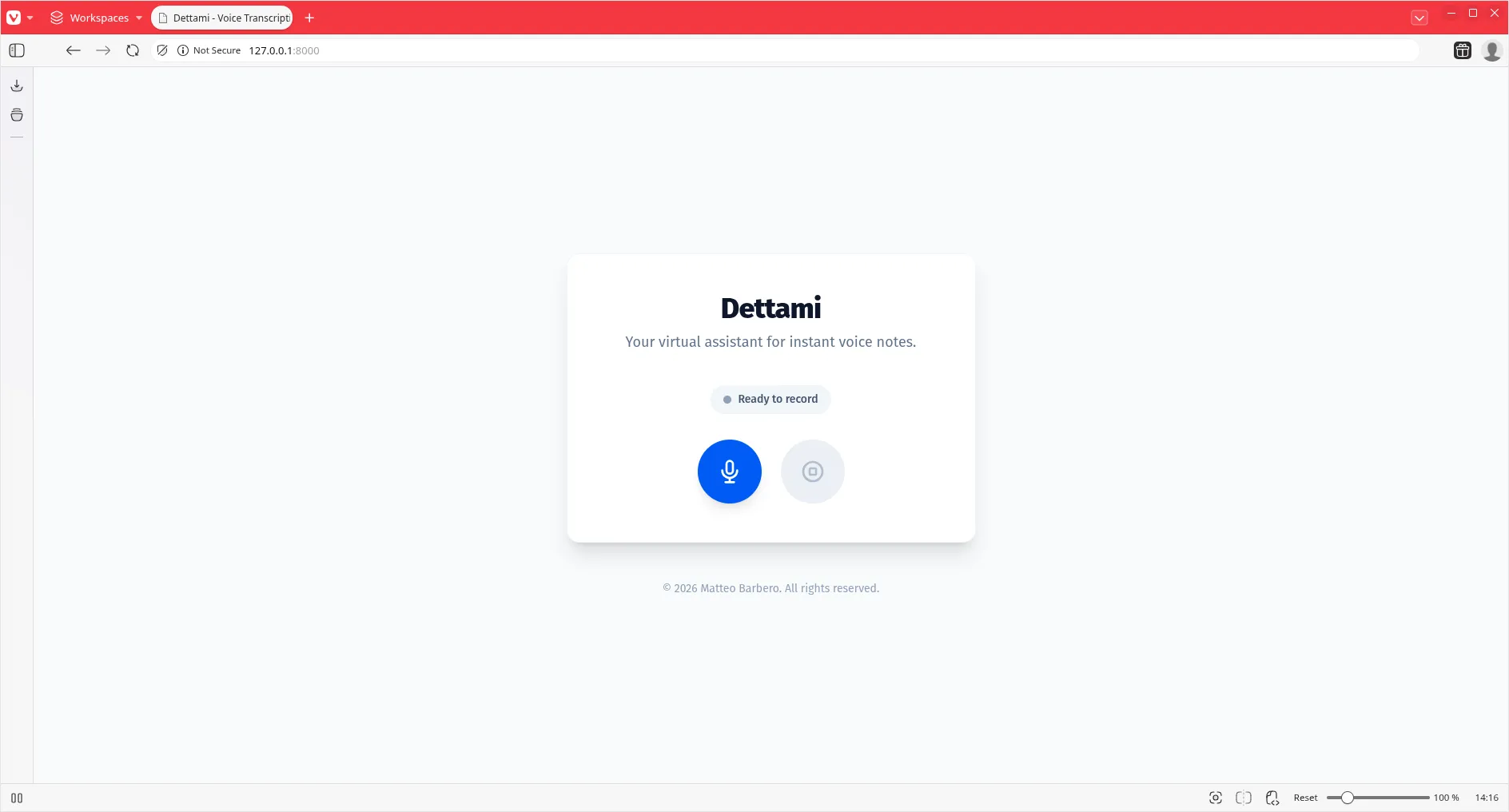
Here is what the interface looks like. Clean, focused, and ready to listen.
The Implementation
Installing the SDK was the first step, and as you’d expect from the Laravel ecosystem, it was seamless.
composer require laravel/aiBut the real magic happened in the controller. In the past, handling audio uploads, converting formats, and sending them to an API like OpenAI’s Whisper or Google’s Speech-to-Text involved a fair bit of boilerplate. You had to manage the file, ensure the format was correct, build the multipart request, handle the response…
With the Laravel AI SDK, the complexity vanishes. It abstracts the “how” and lets you focus on the “what.”
Here is the core logic from my Dettami controller. Look at how expressive it is:
public function __invoke(Request $request)
{
    if ($request->hasFile('audio')) {
        $file = $request->file('audio');

        // Store the file temporarily
        $path = $file->storeAs('dettami', 'recording.webm');
        $fullPath = Storage::path($path);

        try {
            // The magic happens here. One fluents line.
            $transcription = Transcription::fromPath($fullPath, 'audio/webm')
                ->generate();

            // Clean up
            Storage::delete($path);

            return response()->json([
                'success' => true,
                'transcription' => (string) $transcription,
            ]);
        } catch (\Throwable $e) {
            // ... error handling
        }
    }
}
That’s it. Transcription::fromPath(...) -> generate().
The SDK handles the heavy lifting of communicating with the configured AI provider. It feels native. It feels right.
The Frontend Experience
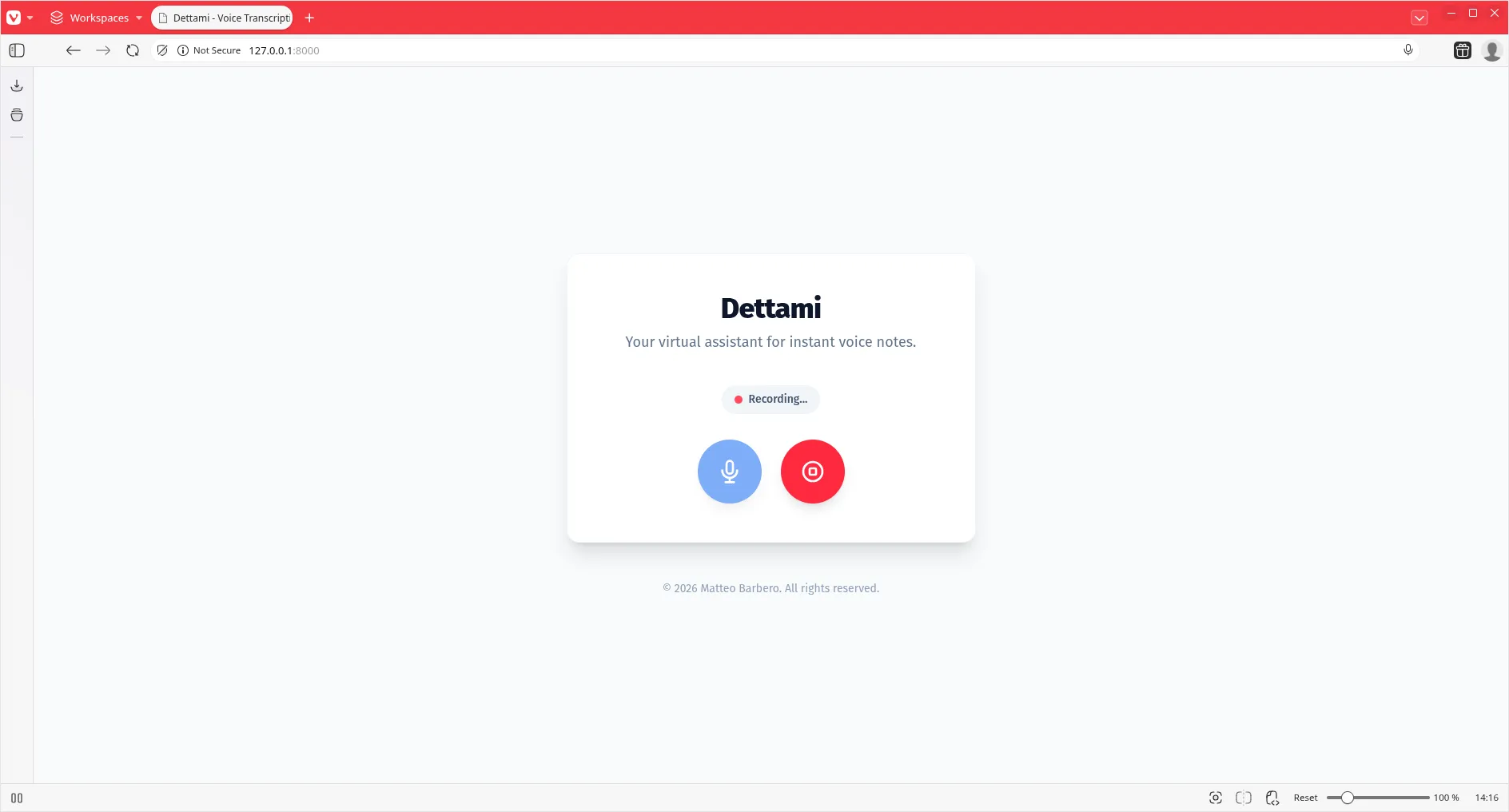
For the frontend, I kept it simple using Blade and vanilla JavaScript with the MediaRecorder API. The goal was to provide immediate feedback. You click record, you speak, you get text.
Beyond Transcription: Translation
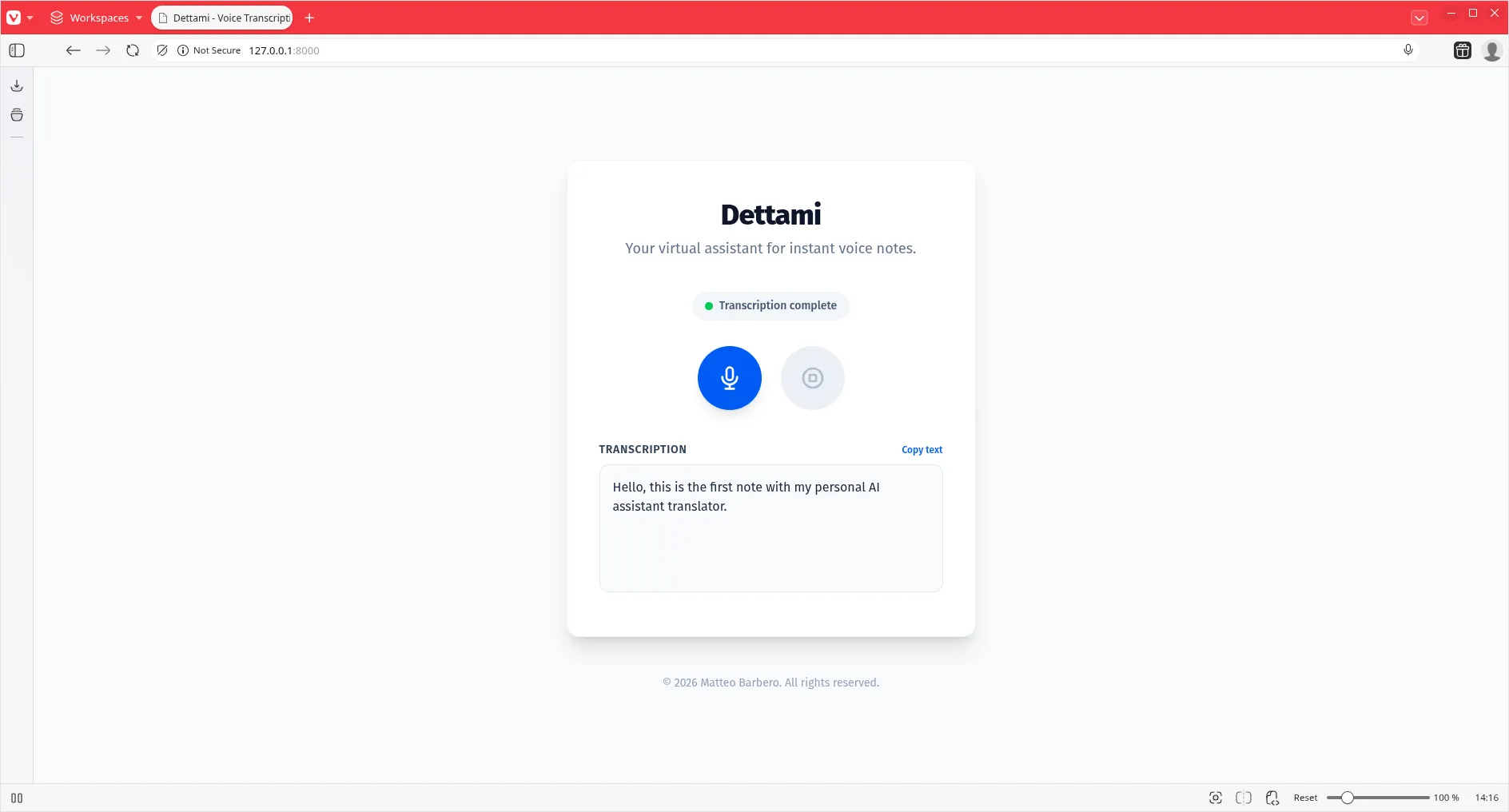
The power of this SDK doesn’t stop at transcription. Once you have the text, the possibilities are endless. You can summarize it, rewrite it, or—as I experimented with—translate it.
Because the SDK provides a unified interface for these operations, adding a translation step is just as trivial as the transcription itself. Whether you are using OpenAI, Anthropic, or Gemini, the code remains consistent and clean.
Reflections
Building Dettami was a reminder of why I love this framework. It respects my time. The Laravel AI SDK isn’t just a wrapper; it’s an opinionated, elegant way to bring intelligence into your applications without the headache.
For architects and developers, this means we can stop worrying about connecting to AI and start worrying about what we can build with it. Ideally, the barrier to entry has been lowered to the floor.
If you haven’t tried it yet, fire up a terminal.
composer require laravel/ai
And build something amazing. You can find the full source code for Dettami on GitHub. I recommend starting with this commit to see the transcription logic in isolation.
Keep moving forward.
Read Next
How to Set Up a Global .gitignore with Git Config
Learn how to configure a global .gitignore file using Git's core.excludesfile setting to avoid repeating ignore rules in every repository.
Using Different Git Identities per Folder with includeIf.gitdir
Learn how to configure Git to use different usernames and emails based on the folder or project you're working in, using a custom .gitconfig and the includeIf.gitdir directive.
Swagger in Laravel Project
How to use Swagger inside you Laravel project to document and develop an API.